Typography
Overview
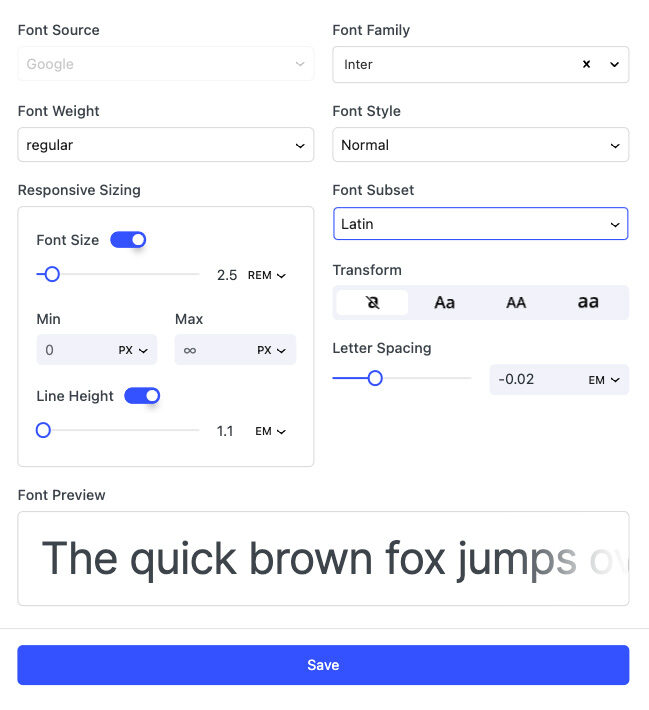
Nectarblocks provides deeply customizable typography settings that allow you to control the appearance of text on your website. Each option below will open a modal of settings, as shown on the right, that can be used to modify the appearance of text in that specific area of your website.
Navigation
Logo Font
- The font used for your logo.
Navigation Font
- The font used for your navigation menu.
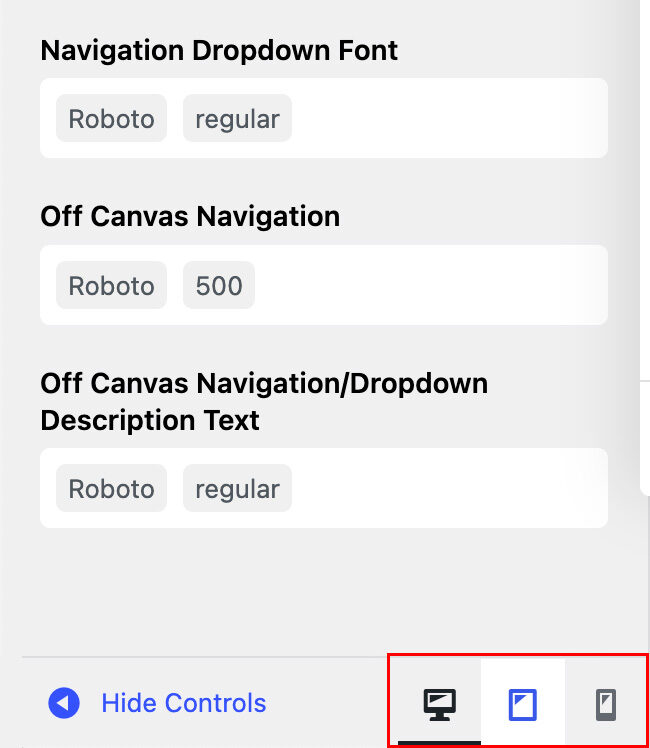
Navigation Dropdown Font
- The font used for your navigation dropdowns.
Off Canvas Navigation
- The font used for your off canvas navigation.
Off Canvas Navigation/Dropdown Description Text
- The font used for your off canvas navigation dropdown description text.
Page Header
Page Heading Font
- The font used for your Page/Post titles.
Page Heading Subtitle Font
- The font used for your Page/Post subtitle.
Content Elements
Blockquote Font
- The font used for your blockquotes.
Blog Single Post Content
- The font used for your blog single post content.
WooCommerce Product Title Font
- The font used for your WooCommerce product titles.
WooCommerce Product Secondary Font
- The font used for your WooCommerce product secondary text.
Responsive Sizing
You can change any typography setting, such as font size and line height, for a specific device by clicking the responsive icon located at the bottom of the WordPress Customizer sidebar. Each setting will be saved uniquely for the currently previewed device.