Custom Global Code
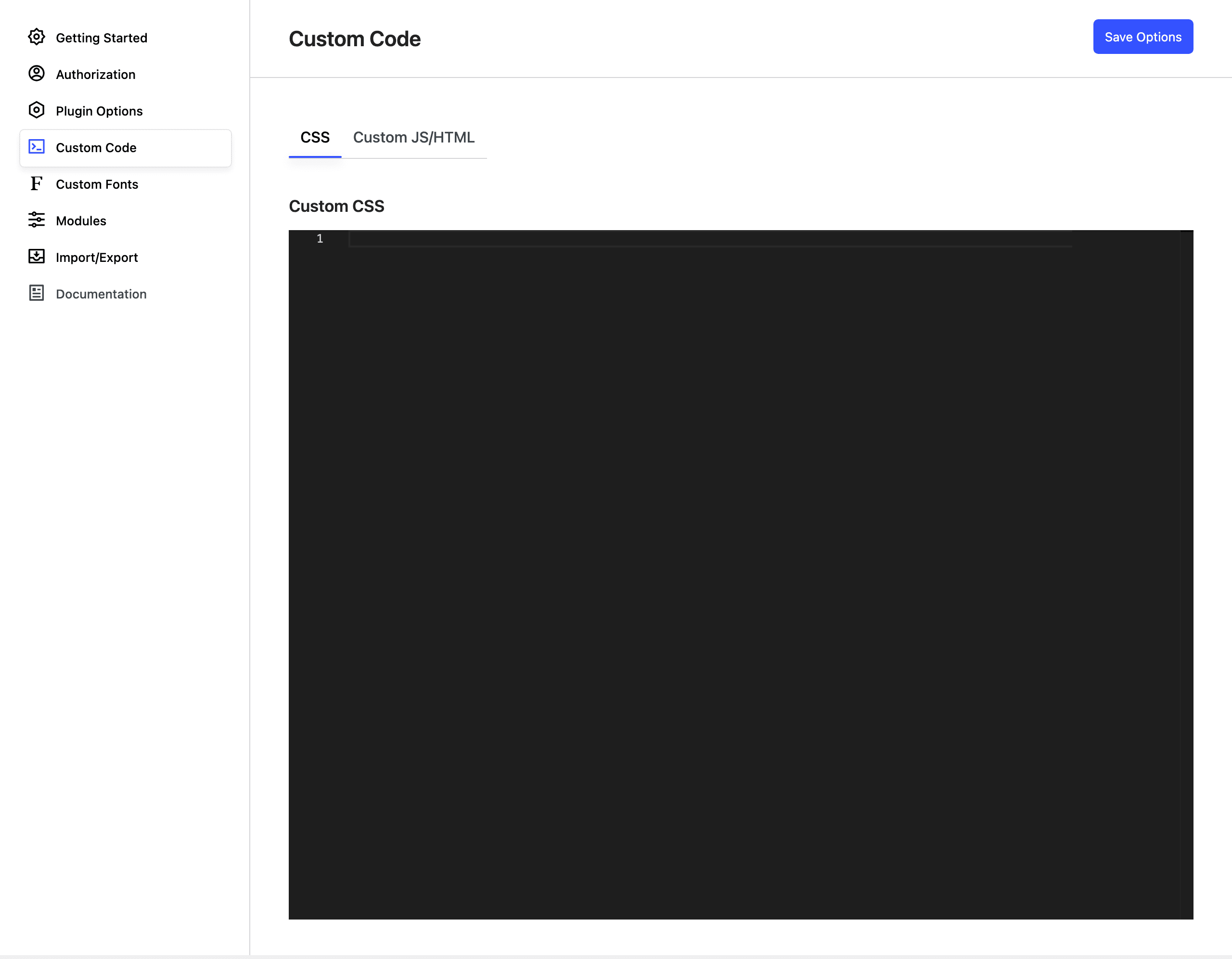
In the Nectarblocks Admin Panel you can set values for CSS and HTML/JS that will be displayed on each page of your pages. HTML/JS can be specified in two places, the head and after the body.
HTML/JS Head vs Body
In an HTML document, the <body> tag defines the main content of the document, while the <head> tag contains information about the document, such as its title, external stylesheets and scripts, and metadata.
Who can save block CSS
The styles Nectarblocks generates for your blocks are saved alongside the content they belong to, and saving them requires permission to edit that specific item. A user needs to be able to edit the post or page in question to save its block CSS, and the edit_theme_options capability to save CSS for widgets, templates and template parts. Contributors and other roles that cannot edit a given post no longer save its block CSS. The global CSS and HTML/JS fields described on this page stay administrator-only.
Where to Find
The button to access the Custom Code options is found in the Nectarblocks option in the Admin Panel toolbar.
