Data Types
Nectarblocks Dynamic Data currently supports the following data types:
Text Data Type
The String data type is used to connect to a string field in your WordPress database. When adding a Text block, you can select a dynamic field to render in the block by using the Dynamic Data icon in the text Toolbar.
When a field is selected, its text will appear as a dynamic field directly within the text editor. It will display a gradient underline when interacted with, indicating that it's dynamic. You can add multiple dynamic text fields to a single block, making it easy to combine dynamic and static content.
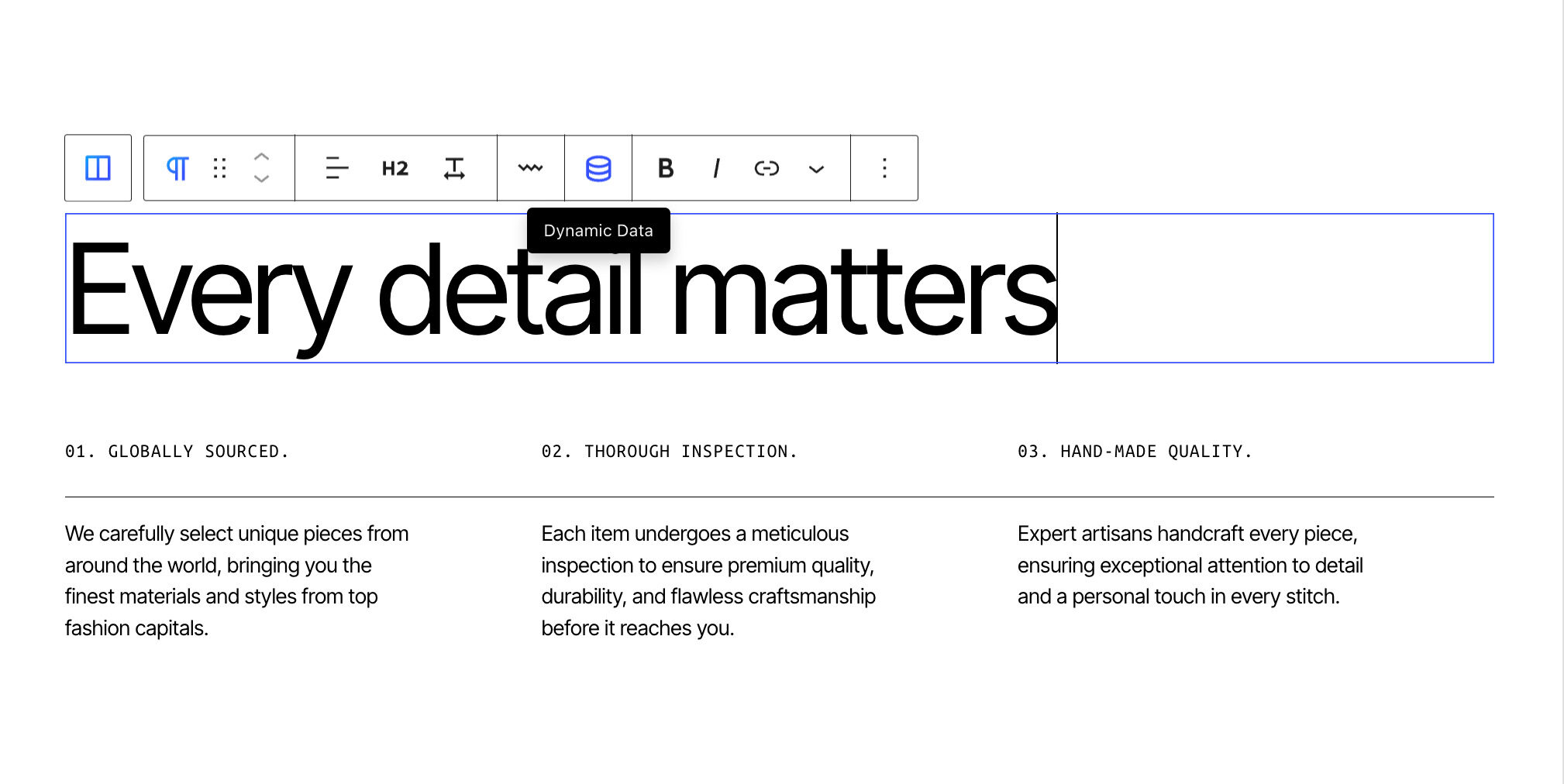
Image Data Type
The Image data type is used to connect to an image field in your WordPress database. This data type is available for the Image block, as well as the Image background control, found in blocks such as the Column, Row, and Flexbox blocks.

Video Data Type
The Video data type is used to populate a video source from a source in your WordPress database. This data type is available for the Video Player block, as well as the Video background control, found in blocks such as the Column, Row, and Flexbox blocks.
Video sources always come from custom fields. None of the built-in post fields hold a video, so the video picker lists custom fields only, such as an ACF file or url field containing the video. If the picker is empty, create the field on your post type first.
Link Data Type
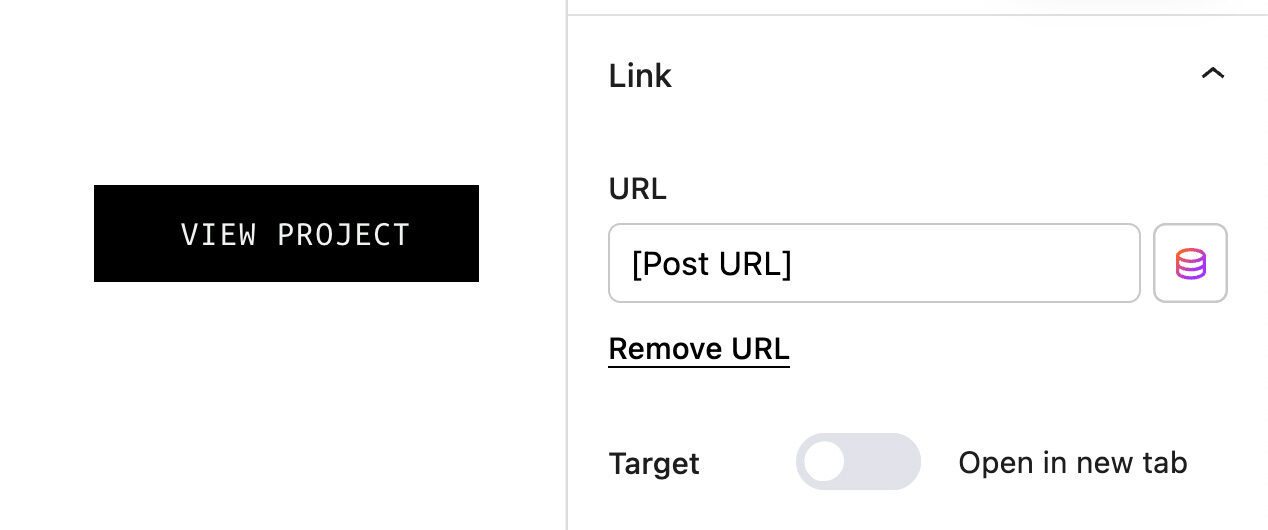
The Link data type is used to connect to a link field to your WordPress database. This data type is available for all Blocks which implement the Link block component. For example, the Button block. You can use this to create dynamic links to pages, posts, or custom post types.