Render Tag Control
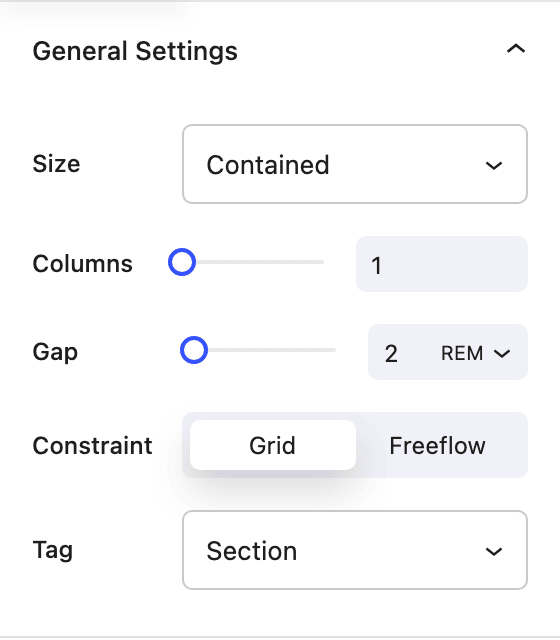
The Render Tag control lets you change the HTML element used as the block’s wrapper. By default many layout blocks output a <div>. This control allows you to switch to a semantic element such as <section>, <article>, <header>, or <footer> so that your markup better reflects the meaning of the content and improves accessibility and SEO.
Where it appears
The control is available on blocks that support it, including the Row, Column, and Flex Box blocks. It typically appears in the block sidebar under design or general settings, labeled Tag.
Options
You can choose from these wrapper elements:
| Tag | Use case |
|---|---|
| Div | Generic container (default when no semantics needed). |
| Section | Thematic grouping of content. |
| Article | Self-contained content (e.g. blog post, card). |
| Header | Introductory or navigational content for a section or page. |
| Footer | Footer for a section or page. |
| Aside | Tangentially related content (e.g. sidebar). |
| Nav | Navigation links. |
| Main | Main content of the page (use once per page). |
Selecting a tag changes the block’s root HTML element in the saved markup (e.g. from <div class="..."> to <section class="...">).
When to use it
- Use Section for major page regions (hero, features, testimonials).
- Use Article for each repeated item in a list or grid of posts/cards.
- Use Header / Footer for the top and bottom of a template or section.
- Use Nav for menu or link groups.
- Use Main for the primary content area of a page template.
- Use Div when you don’t need a specific semantic meaning.
Choosing the right tag helps screen readers and search engines understand the structure of your page.