Custom ID Control
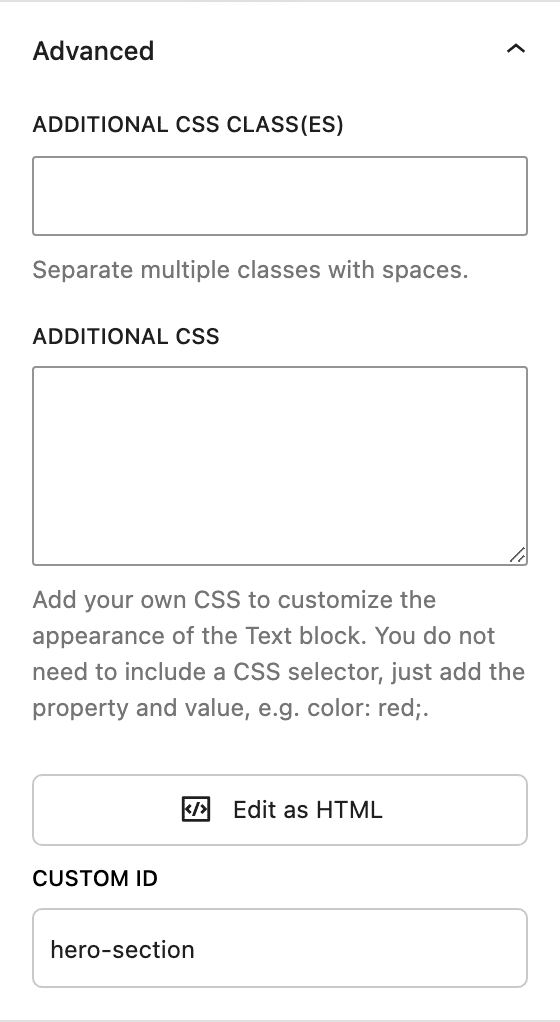
The Custom ID control lets you assign a custom HTML id attribute to a block. The block’s wrapper element will output that id in the markup (e.g. <div id="your-id">), which you can use for:
- Anchor links – Link directly to a section (e.g.
example.com/page/#pricing). - CSS or JavaScript – Target the block with selectors like
#your-id. - Accessibility – Reference the block from
aria-describedbyor similar attributes.
Where it appears
The control is in the Advanced group in the block’s sidebar (under the block’s main settings). Not every block exposes it; it is available on blocks that include the Custom ID control (e.g. the Text block and others that support it).
Settings
- Custom ID – A single text field. Enter a valid HTML id value:
- Use only letters, numbers, hyphens, and underscores.
- Must not start with a number.
- Should be unique on the page if you use it for anchor links or specific styling.
If you enter an invalid value, the control will indicate the error and the invalid id will not be saved. Leave the field empty to use no custom id (default).